
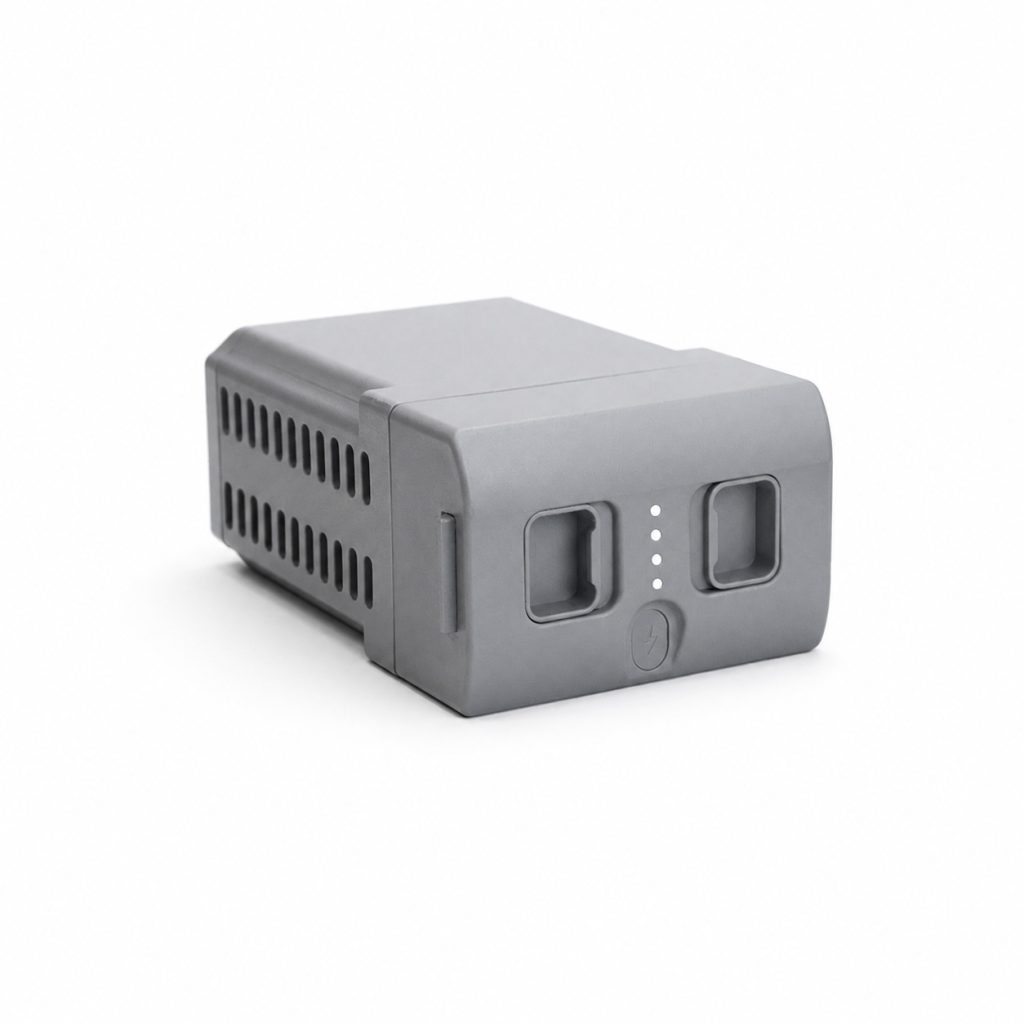
Why Keep a Spare G1 Battery on Hand?
The G1 Battery is the quick-release 9000mAh power pack that ships standard with every Unitree G1, giving roughly two hours of runtime per charge. For continuous demos, back-to-back classroom sessions, or all-day exhibitions, a spare G1 Battery lets you swap in fresh power in seconds instead of waiting through a full recharge cycle.
Because the G1 Battery is quick-release by design, keeping a second unit charged and ready means your G1 is never sitting idle on a charger when it should be running. This is especially useful for teams that schedule multiple demos in a single day or run long unattended data-collection sessions.
Key Features
9000mAh Capacity: The G1 Battery delivers roughly 2 hours of runtime on a full charge.
Quick-Release Design: Swap the G1 Battery in seconds without tools, ideal for back-to-back demos.
Built-In Safety Systems: Includes self-discharge protection, balance charging protection, overcharge protection, over-discharge protection, short-circuit protection, and battery load detection.
Battery Management System: An onboard BMS actively monitors cell health during charge and discharge cycles.
Drop-In Compatibility: Works with any Unitree G1 unit using the standard quick-release battery bay.
Specifications
| Item | Specification |
|---|---|
| Product Name | G1 Battery (Spare) |
| Product Size | 120mm x 80mm x 182mm |
| Rated Capacity | 9000 mAh |
| Estimated Runtime | ~2 hours per charge |
| Release Type | Quick-release, tool-free |
| Safety Protections | Self-discharge, balance charging, overcharge, over-discharge, short-circuit, load detection (BMS) |
Compatible G1 Models
The G1 Battery uses the same quick-release bay across the entire Unitree G1 lineup, so one spare works whether you run G1 Basic or any G1 EDU-tier model such as the G1 EDU Standard-U1. There is no need to match a specific battery to a specific G1 configuration.
Typical Use Cases
A second G1 Battery is common for exhibition teams running a robot through repeated demo cycles all day, classrooms that share one G1 across multiple sessions, and research groups running long data-collection routines that outlast a single charge. Pair it with a spare G1 Charger so one battery can be charging while the other is in use. For general guidance on lithium battery care and charging best practices, see Unitree’s official site.
Ordering Notes
Every new G1 ships with one battery included, so this listing is for teams that want a second G1 Battery for extended runtime or hot-swap workflows. Store spare batteries partially charged in a cool, dry place when not in use to maximize their long-term lifespan.